
Features
Everything You Need to Follow a Missionary’s Journey
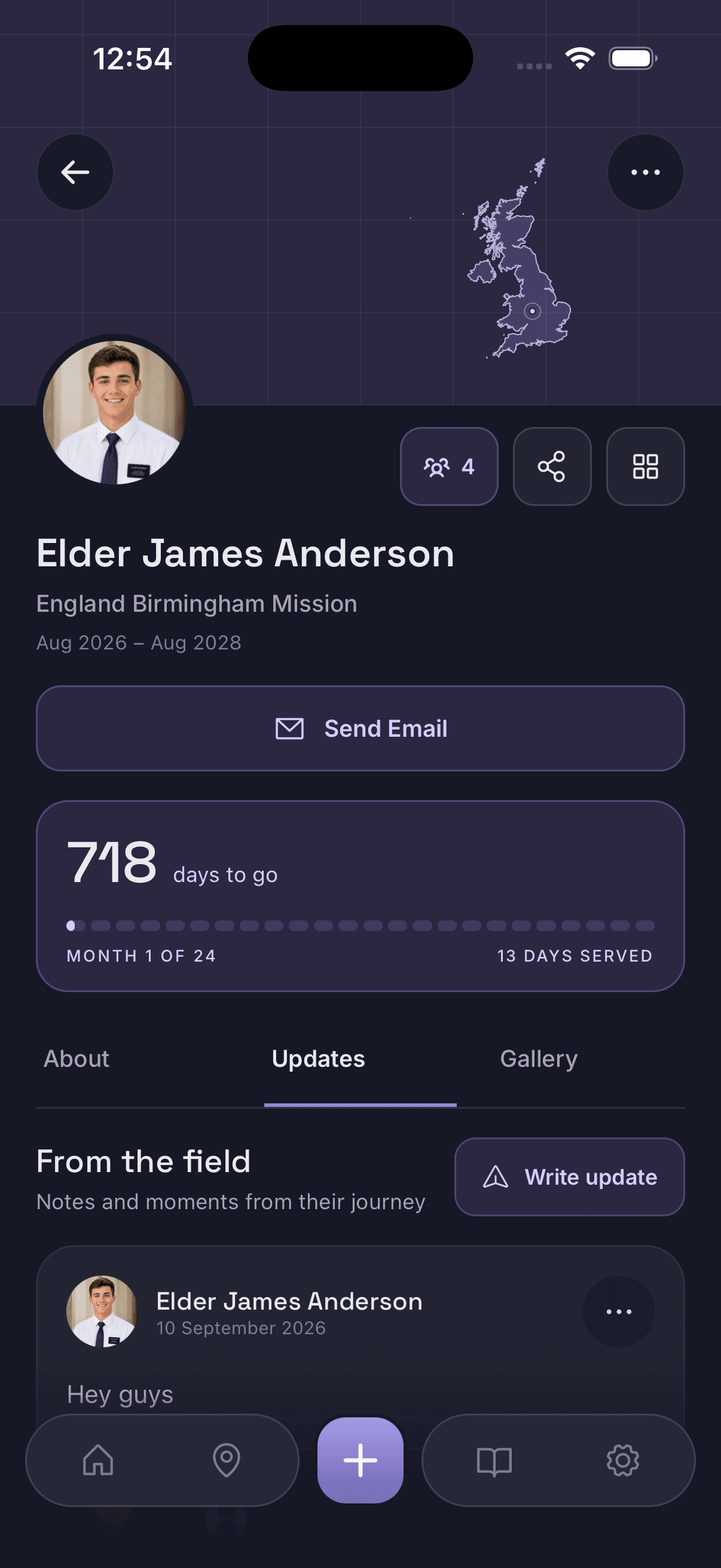
Missionary Tracker keeps one profile per missionary — the countdown, the area they are serving in, their local time and weather, and the updates the family shares — and lets you share it with as many people as you like.
Mission countdown and progress
Each profile opens on a Time in the Field card: a progress bar, days served out of the total mission length, the percentage complete, and the two dates it is all built from — Entered Field and Expected Release. Underneath sits the plain-language version, along the lines of “one day closer to home, 729 days remaining”.
The numbers move on their own each day and read the same for everyone following the profile, which is what stops four relatives arriving at four different answers.
Serving-area map
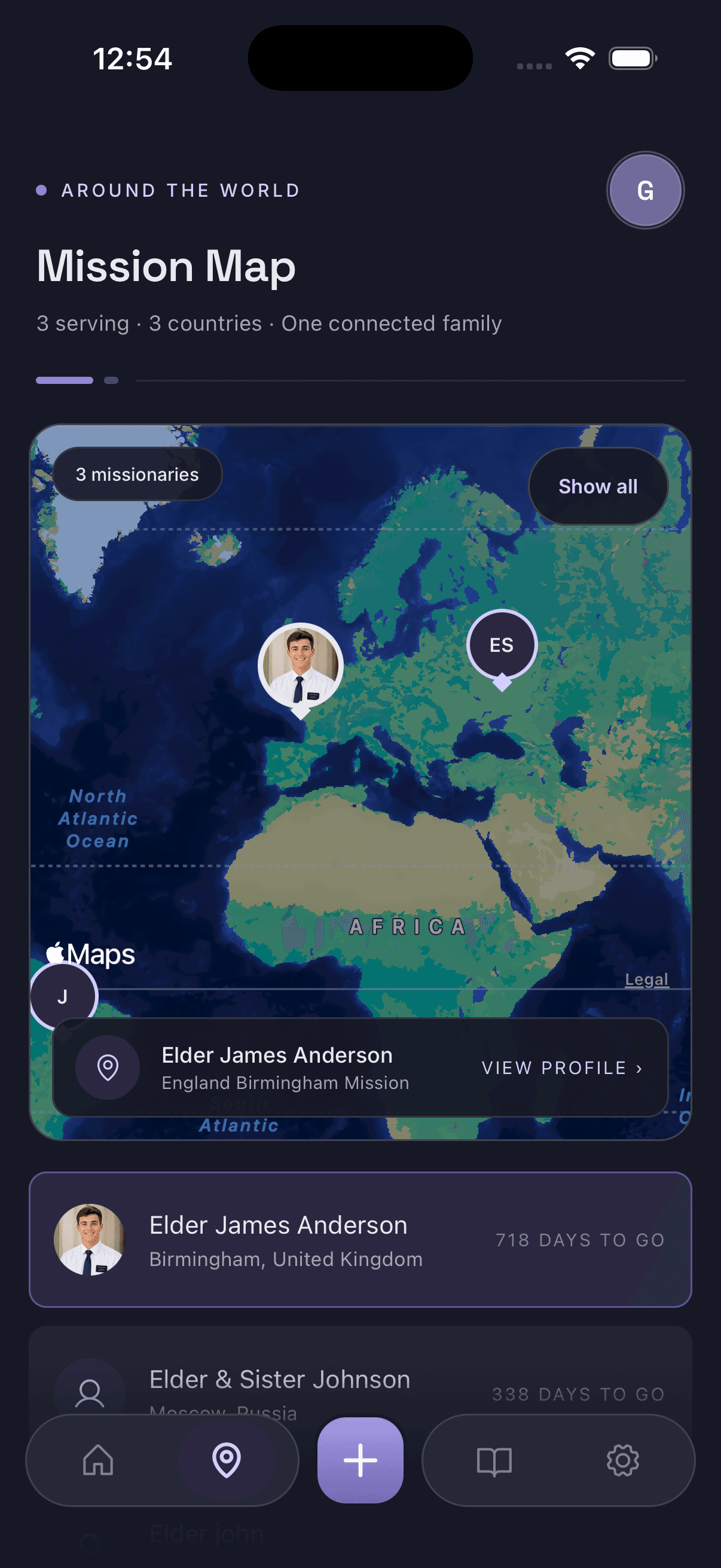
The map view puts every missionary you follow on one screen, each as a pin on the area they are serving in, with their mission listed underneath. Tap a name and the map centres on them.
It reflects the area recorded on the profile — it is not live GPS and it does not follow anyone’s phone. The point is perspective: seeing where in the world a mission actually sits.
Updates, sharing and join codes
Alongside the mission information, each profile has an Updates tab. Post news once and everyone following the missionary sees it — no forwarding, and nobody left off the list. Profiles are shared by join code, which is what makes a single profile work for an entire extended family or ward.
Nothing is publicly browsable. Without the code there is no way to find a missionary in the app, and the profile owner decides both who gets the code and how much detail the profile carries.
Feature by feature
Everything the app does today, in one list.
Mission countdown
Days served and days remaining, recalculated every day from the mission dates.
Learn moreMission progress
A percentage and progress bar showing how far through the mission they are.
Mission dates
Entered Field and Expected Release stored on the profile and editable if they change.
Mission map
Every missionary you follow as a pin on the area they are serving in.
Learn moreCurrent area
Mission and area on the profile, so a location always has a label.
Local time
What time it is where they are serving, without doing the time zone maths.
Current weather
Conditions in their area today — the small detail that makes a day easier to picture.
Mission updates
An Updates tab on every profile, kept in order for the whole mission.
Learn morePrivate profiles
Not searchable, not browsable — profiles are shared deliberately.
Join codes
One code adds a missionary to someone else’s app.
Family & ward sharing
As many followers as the profile owner chooses to invite.
Multiple missionaries
Follow everyone your family has in the field from a single list.
Where to go next
If you are deciding whether the app fits your family, the home page is the short version. If you want to see the numbers for your own missionary first, the missionary countdown calculator works in the browser with no download. And if you are looking for practical ideas rather than a product, the resources for families cover how people keep track of a mission in general.
Keep their whole mission in one place
Create a missionary profile, share the join code with the people who care, and let everyone follow the countdown, serving area and updates together.
Free to download on iPhone and Android.